 Find in Files Button
Find in Files (Debug Edit Menu)
The Find in Files selection of the Edit menu searches for specified text in the debugged program. The results of the search are displayed in the selected output Find Window.
To quickly locate text in the source files, click the Find in Files button on the toolbar or use the Ctrl+F3 key sequence.
Find in Files Button
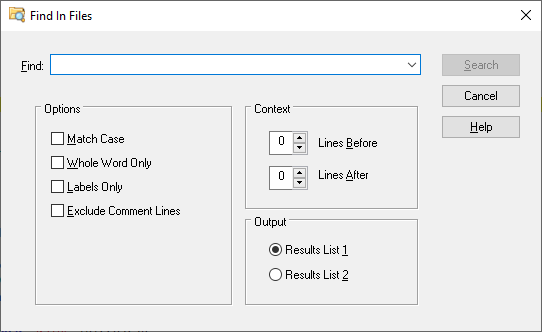
Find in Files Dialog Items
Type or insert the information you want to find.
Finds only those occurrences with the exact combination of uppercase and lowercase letters specified in the Find field.
Finds occurrences that are words and not part of a larger word.
Finds only those occurrences that begin in column one of the editor.
See also: Replace, Using the Editor
 |