Add / Edit (Views Menu)
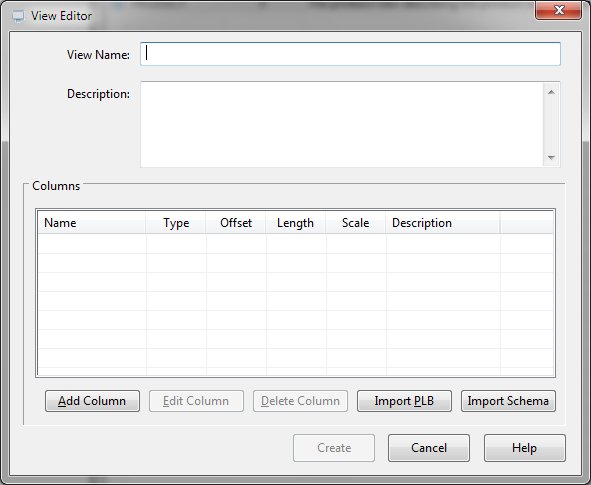
The Add function of the Views Menu creates a new view within the open schema database.
View Editor Dialog Items
Specifies the name of the new view.
Provides space for descriptive text.
Shows a list of proposed column definitions.
Opens the column editor dialog for column addition.
Allows modification of the selected column in the Columns list.
Removes the selected column from the Columns list.
Opens a dialog where PL/B source code may be defined. Column definitions will be extracted from the source code.
Imports column definitions from a Sunbelt ODBC schema file.
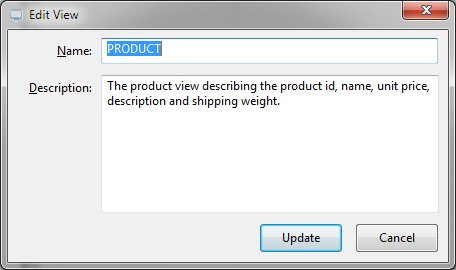
When editing a view, the following dialog is presented:
Clicking the Add Column or Edit Column button will present the Column Editor.


 |