 Copy Button
Copy (Views Menu)
The Copy function allows an existing view, column, or database entry to be cloned. Upon selection, the Copy View dialog will be displayed. When copying a view, a dialog will be presented. When copying columns or database entries, the selected items will be added to the clipboard.
To quickly place items on the Clipboard, click the Copy button on the toolbar or use the control C key sequence.
Copy Button
Once selected, the copy function will display the following dialog:
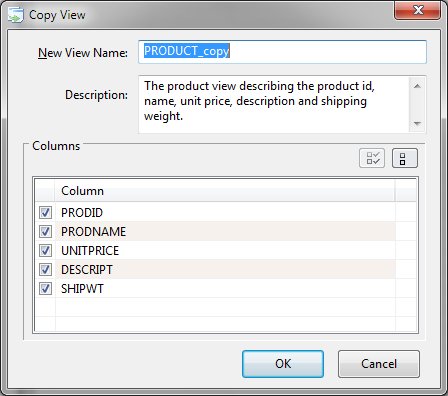
Copy View Dialog Items


 |