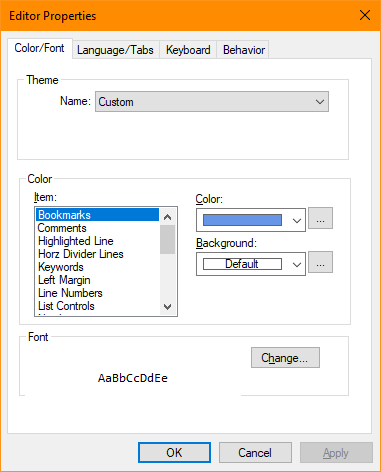
Editor Properties(Tools/Options Menu)
The Editor Properties item of the Tools Menu allows customization of the IDE Studio's internal source code editor. Each of these options alter the appearance or behavior of the source code editor.
Window Properties Pages
Allows selection of the fonts and colors used by the source code editor when displaying text.
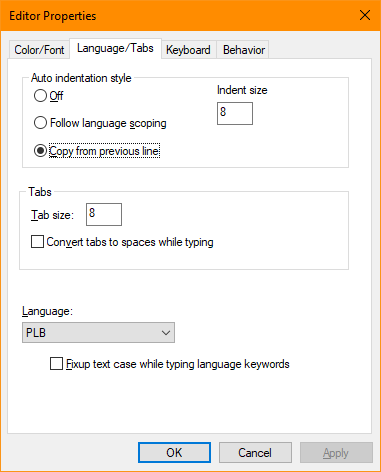
Allows selection of the auto indention method, tab spacing, and language selection.
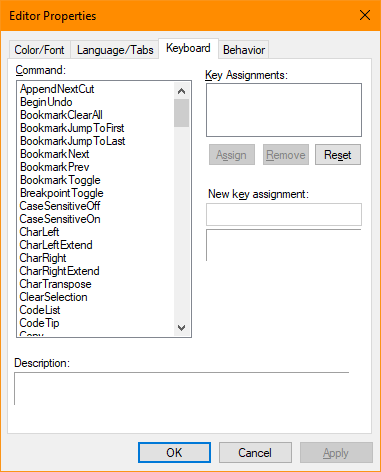
Allows definition of key sequences for program functions.
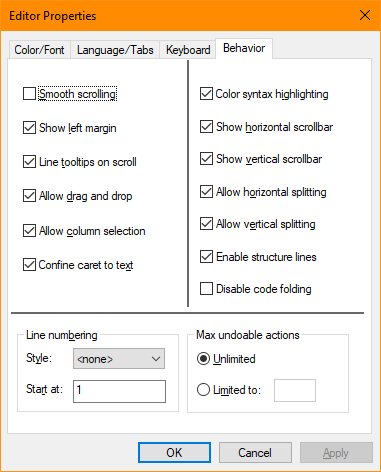
Allows control of various aspects of the source editor behaviors.


 |