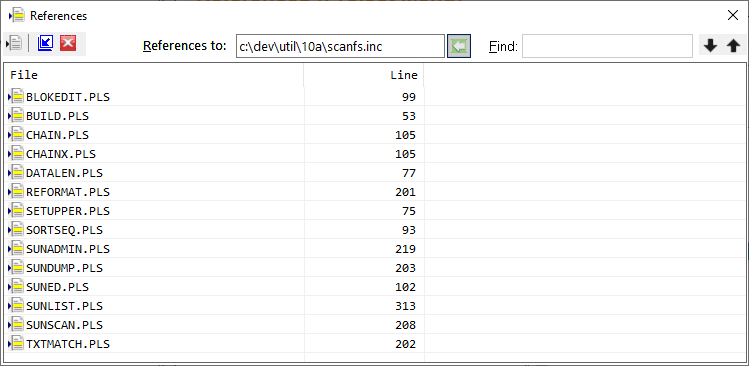
References (Windows Menu)
The References selection of the Windows menu toggles the References window or tab visiblility.
Clicking the Close icon (red X on the title bar) will cause the window or tab to be hidden. The References selection of the Windows menu will restore the visibility.
The window's toolbar provides selection of a file, and buttons to hide and promote or demote the references window. A find function will search the references window for a specific string.
When references are present in the window, double-clicking a line will position the editor to the source line containing the reference. Buttons also allow selection of a reference.


 |