Version Control (Tools/Options)
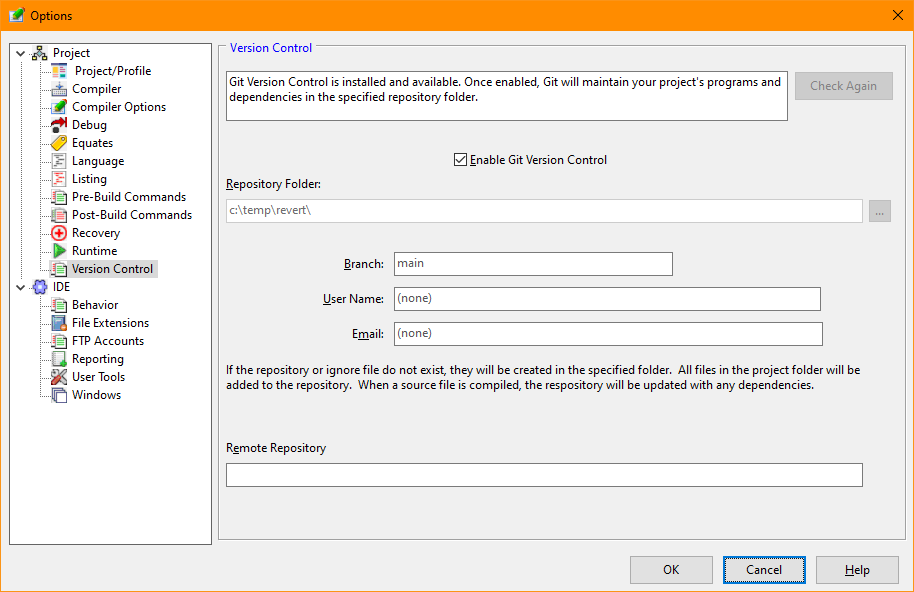
The Version Control Tab of the Options dialog allows configuration of the version control options.
Version Control Options Dialog
If Git Version Control was not installed when the option screen was first displayed and has now been installed, clicking this button will allow SunIDE to verify the installation.
Activates or deactivates version control. If the repository does not exist, it will be initialized, all files in the source directory added, and initial commit performed.
Defines the directory containing the repository.
Defines the default branch name in the repository.
A name used when logging commits to the repository
The email address of the user making commits to the repository
A link to a remote repository accessed when executing the Push and Pull Git functions.


 |