Print File (File Menu)
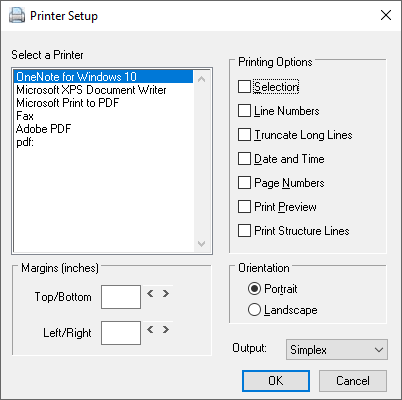
The print File function of the File Menu allows outputting the current source file to a print device. Upon selection, a dialog is presented allowing the user to tailor the printed output to meet his needs.
To quickly print the current source file, press the CTRL+P key or click the Print File button on the toolbar.
 Print File button
See also: Close File, Save File, Save File As, Working with Projects


 |