Import (File Menu)
The schema database import function adds the contents of an XML file to the current database.
Selection of the import function produces the following dialog:
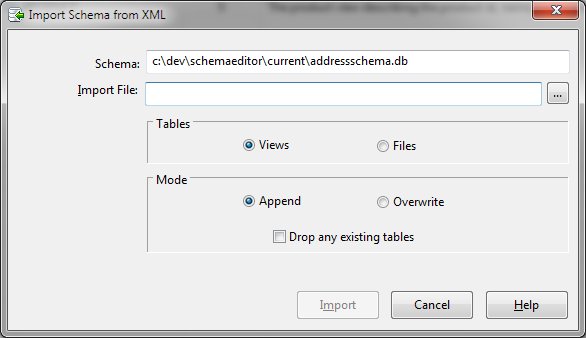
Import Dialog Items
-
Schema
-
The currently active schema database name is displayed for confirmation.
-
Import File
-
The required name of the XML file to be imported. A browse button allows easy navigation and file name
specification.
-
Tables
-
Allows views or SQLIO Files to be imported.
-
Mode
-
Allows the data overwrite any existing structures or can be appended to the existing database. A checkbox
to first delete any existing tables is provided.


