Export Database (File Menu)
The schema database export function generates either an SQL or an XML file of the database contents. Both formats present a dialog prior to the actual export process.
SQL Database Export
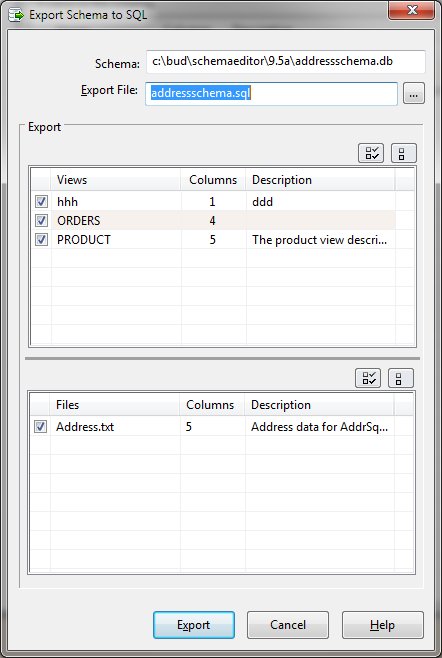
The SQL format creates a text file that contains SQL statements that can restore a database or transfers the structure and contents of a database into another database.
SQL Database Export Dialog Items
Once the export is complete, the file may be archived for security or used in another database product to reconstitute the structure and data.
XML Database Export
The XML format creates a text file that contains XML formatted data that can be accessed by other programs.
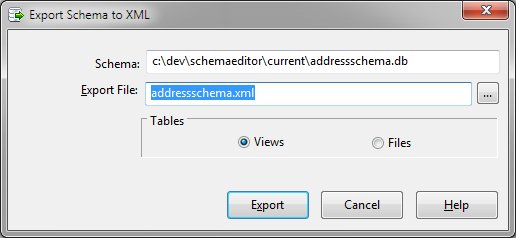
XML Database Export Dialog Items
Once the export is complete, the file may be archived for security or import into another database.


 |