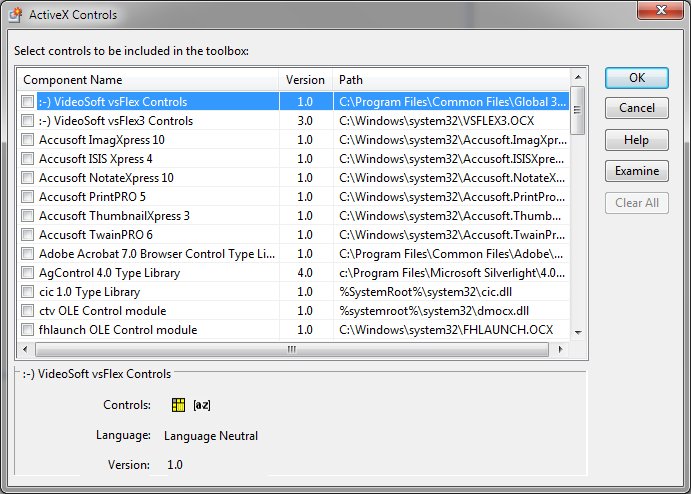
ActiveX Controls (Tools menu)
Adds and removes OLE controls in the standard Toolbox and additionally allows examination of controls Objects must exist in the Toolbox before they can be added to a form. The ActiveX Controls menu item displays a list of currently registered OLE controls. Items currently present in the Toolbox are marked with a check.
ActiveX Controls Dialog Items
To add an object to the Toolbox, set the check box. To remove an object, clear the check box. To examine an object, first select it and then click "Examine".


 |