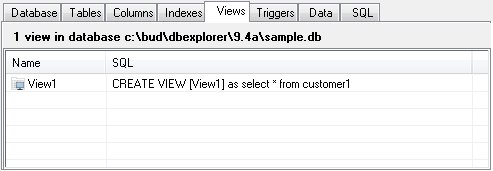
The Views Panel
Views are assigned names to a pre-packaged SELECT statement. Once the view is created using the add function or the CREATE VIEW statement, it can be used in the FROM clause of another SELECT in place of a table name.
You cannot DELETE, INSERT, or UPDATE data using a view. Views are read-only in SQLite. However, in many cases you can use an INSTEAD OF trigger on the view to accomplish the same thing. Views are removed with the Delete function or using a DROP VIEW command.
The Views Panel shows the names of all views in the database and the SQL used to create them.
View Addition or Edit
To add or edit a view, chose "Add" or "Editor" from the Views menu or from the shortcut menu. The view editor will be displayed.
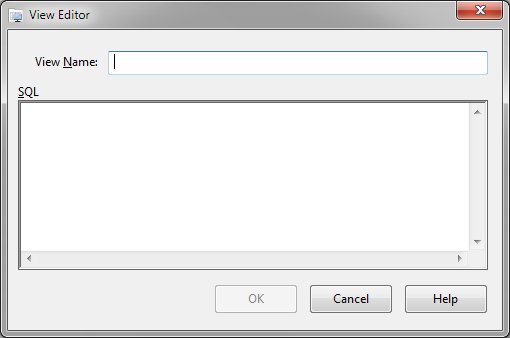
Supply a distinct name for the view and the SQL to retrieve the data. Once the view name and SQL have been defined, click the "Create" or "Update" button.
View Deletion
To remove a view from the database, select the view in the Views panel and click "Delete" from the Views or shortcut menu.


 |