Export SQL (Tables Menu)
DBExplorer can export data to a SQL file. The export file will contain the SQL for the table creation and insertion of the specified data. The export file may be loaded on the SQL tab of the DBExplorer and executed to recreate the table.
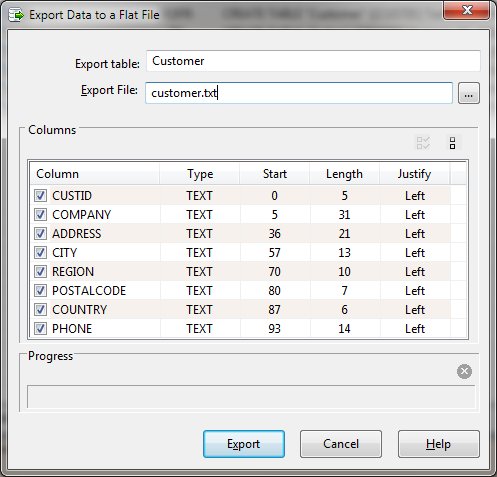
Upon selection of this function, a form is displayed and the export specifications may be defined.
Export Dialog Items
When exporting from the Data or SQL tab, only the selected rows are output. Use Select All before exporting to choose all rows of data shown. The Export Data function when other DBExplorer tabs are selected exports all rows in the selected table.


 |