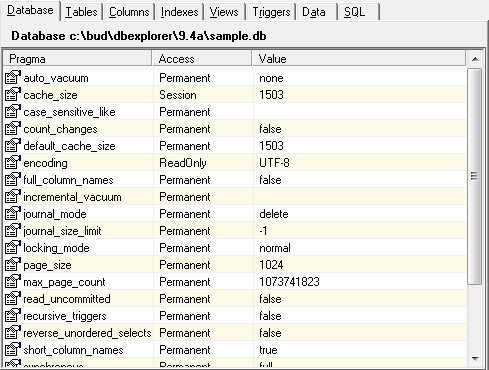
The Database Panel
The database panel shows the current database parameters, their access, and the current values. Some of the parameters are defined when SQLite is generated and therefore the parameter cannot change. These are labeled "ReadOnly". Others are set when the database is created ("Permanent") and some may be changed at any time ("Session").
To modify a value, simply double-click in the value area on the row of the item desired or right click and chose "Edit Item". Depending on the parameter, you can then type in a new value or choose a value from a list.
Users are encouraged to review the SQLite documentation for details regarding the database parameters.


 |