The Host Panel
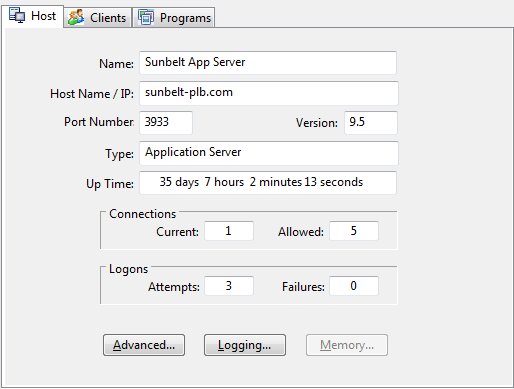
The host panel displays information regarding the server including connection information, up time, the number of active and maximum connection, and the number of logon attempts and failures. The server's software version is also displayed.
Advanced
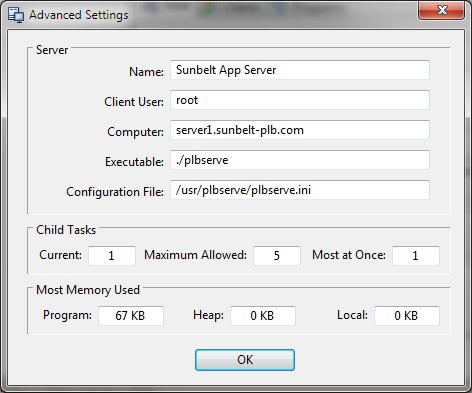
Clicking the Advanced button produces a display containing addition information about the server.
Logging
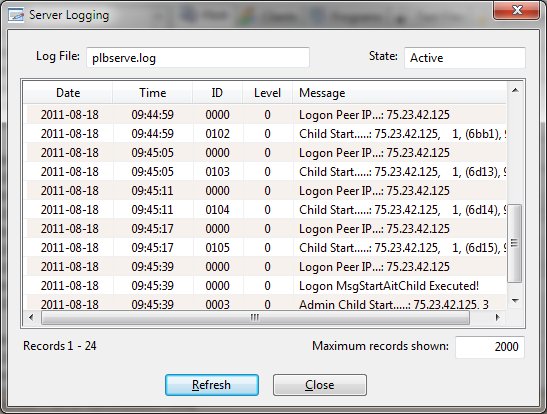
Clicking the Logging button produces a display containing the log record from the server. The log file name and state are also reported. Watch allows you to configure the number of records to retrieve as well. The Refresh button will retrieve the latest log file records.
Memory
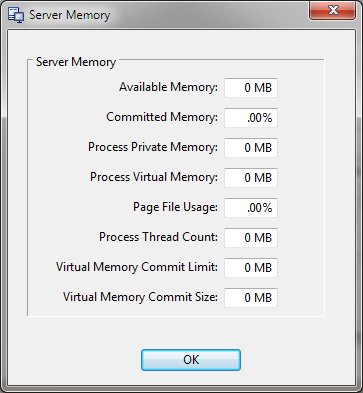
Clicking the Memory button produces a display containing memory utilization information from the server. This information is only available when connected to a Data Manager.