Alias (Tools Menu)
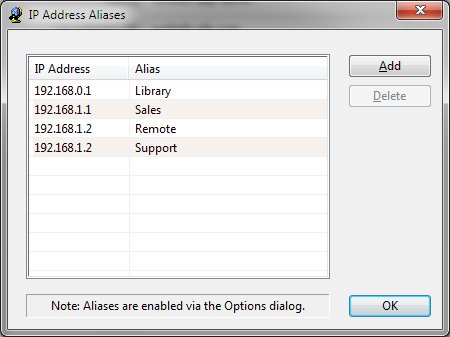
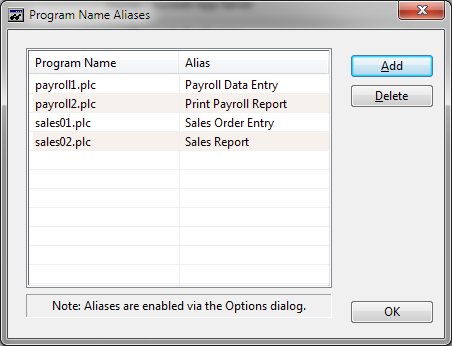
To provide a more meaningful display, the Watch utility allows you to define aliases for items that are typically presented in a numeric format. You can define aliases for IP addresses, program names, or file names. Once aliases are defined, they are enabled or disabled using the Options window. Upon selecting IP aliases, a list of defined aliases is presented:
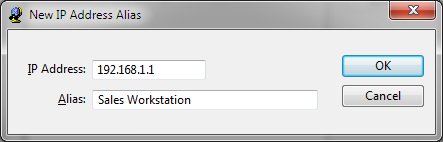
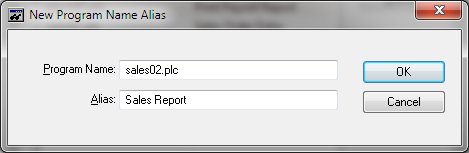
To define a new alias for an IP address, simply enter the IP address and a descriptive name. Any place the Watch utility normally displays the IP address, the descriptive name will be displayed instead.
To remove an IP alias, select the alias in the list and click the delete button.
The program name aliases are defined in the same manner as the IP aliases.
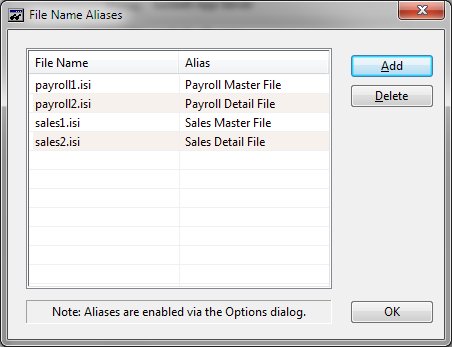
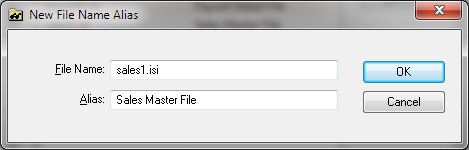
The file name aliases are defined in the same manner as the IP aliases.