Memory (Windows Menu)
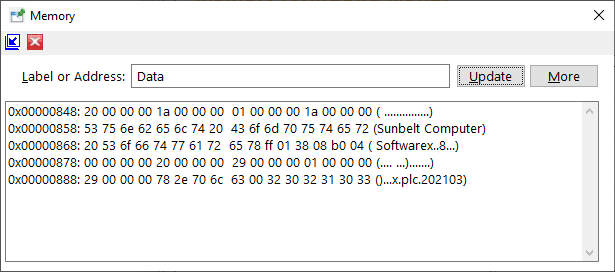
The Memory selection of the Windows menu toggles the Memory window visiblility when configured as an independent window or a tab. The Memory selection is only available when debugging and using the integrated version of the debugger (Tools/Options/Debug).
After entering a label or address into the textbox, clicking the "Update" button will result in the display of the memory at that location. If additional memory should be included in the display, click the "More" button.
Clicking the Close icon (red X on the title bar) will cause the window or tab to be hidden. The Memory selection of the Windows menu will restore the visibility.
The window's toolbar provides the ability to promote or demote the window or tab and hide the window or tab.


 |