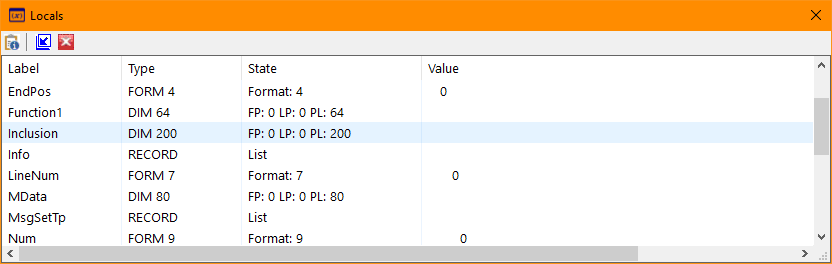
Locals (Windows Menu)
The Locals selection of the Windows Menu toggles the Local Variables window or tab visiblility. The Locals selection is only available when debugging and using the integrated version of the debugger (Tools/Options/Debug).
Clicking the Close icon (red X on the title bar) will cause the window or tab to be hidden. The Locals selection of the Windows menu will restore the visibility.
The window's toolbar allows adding a watch for the selected variable, promoting the dialog tab to a window or demoting it from a window to a tab, and hiding the window or tab. A find function will search the window for a specific variable.
Double-clicking a variable line will allow adding the variable to the watch window.


 |