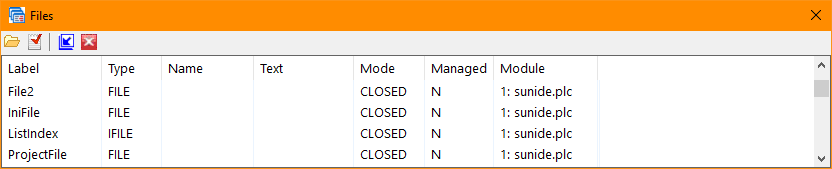
Files (Windows Menu)
The Files selection of the Windows Menu toggles the Files window or tab visiblility. The Files selection is only available when debugging and using the integrated version of the debugger (Tools/Options/Debug).
Clicking the Close icon (red X on the title bar) will cause the window or tab to be hidden. The Files selection of the Windows menu will restore the visibility.
The window's toolbar provides selection of showing only open files, files in the current module, and hiding, promoting or demoting the files window or tab.


 |