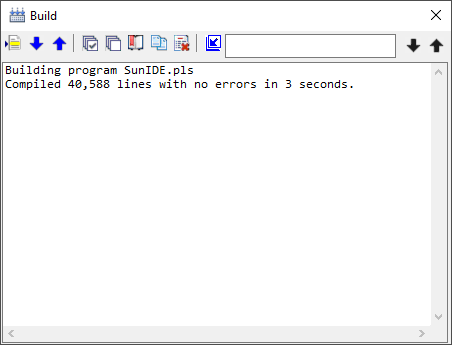
Build (Windows Menu)
The Build selection of the Window menu toggles the Build window or tab visiblility.
Clicking the Close icon (red X on the title bar of the window) will cause the window or tab to be hidden. The Build selection of the Windows menu will restore the visibility.
The window's toolbar provides selection of messages, the ability to copy messages to the clipboard, and buttons to clear, hide, and promote or demote the message window. A find function will search the message window for a specific string.
When errors are present in the Build window, double-clicking the line will position the editor to the source line containing the error. Buttons also allow selection of an error message.


 |