References (Project Menu)
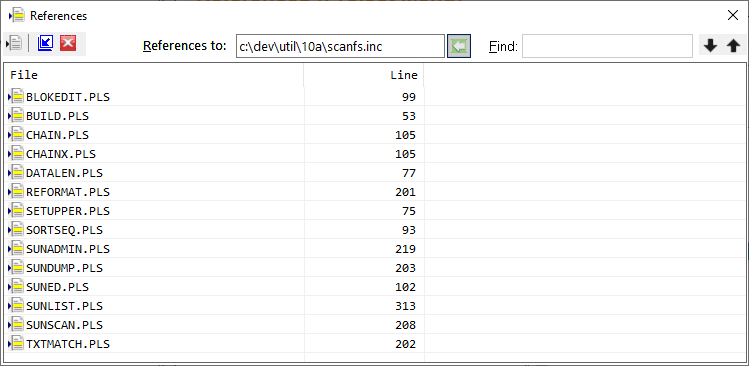
The References function of the Project Menu will shows all lines in all files of the current project that reference the selected file. Double-clicking a reference line in the list will change to or open the file in the editor and position to the reference.
The References toolbar contains buttons that allow change to or opening the file in the editor and positioning to the reference. Other butons allow promoting the tab to a window, demoting a window to a tab and hiding the tab or window.
To retrieve references for a file, select the file in the project window and click the References item in the Project menu. Alternatively, you may type the file name in the dialog and click the selection button.
The Find function allows quick location of a specific file in the reference list. Forward and reverse search buttons are provided.
See also: Working with Projects


 |