 New Folder button
New Folder (Project Menu)
The New Folder function of the Project menu creates a user defined folder in the Project window. The folder is virtual and not created on disk. It simply allows the user to group project items in a meaningful way. To quickly create a new folder, click the the New Folder button of the project toolbar.
New Folder button
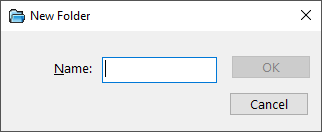
New Folder Dialog Items
The name of the folder to be created.
See also: Working with Projects


 |