Move (Project Menu)
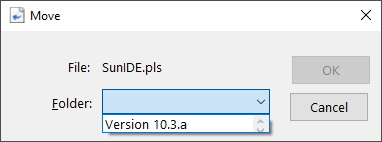
The Move function of the Project menu allows the selected file to be moved to a Project folder or the root. The function is only available when a folder has been defined and a source file is selected.
Move Dialog Items
Show the selected file that will be moved.
See also: Working with Projects


 |