New Tracepoint (Debug Menu)
The New Tracepoint selection of the Debug menu allows addition of a tracepoint. A tracepoint causes a
program break to occur when a variable's value changes or meets a defined criteria.
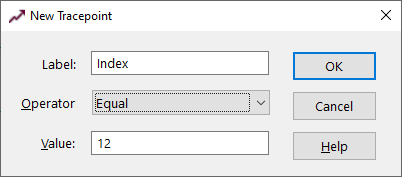
New Tracepoint Dialog Items
-
Label
-
The program variable that should be monitored.
-
Operator
-
The variable's event that will trigger the break. Value operators are Equal, Greater Than, Greater Than
or Equal, Less Than, Less Than or Equal, Not Equal, Equal No Case, Like, Like No Case, and Change. When
using all operators except Change, a specified Value is required. The No Case operator make the comparison
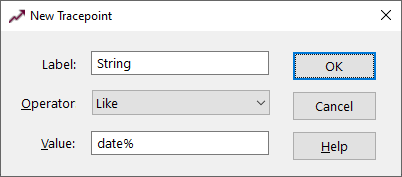
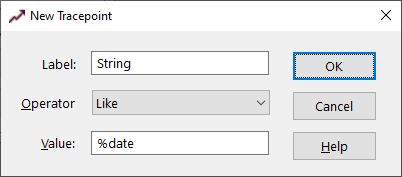
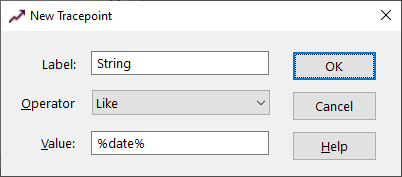
case insensitive. The Like operators allow the inclusion of wild card characters (%) in the value for
string matching. Examples are:
-
-
-
-
This tracepoint would cause a program break when the String variable changes to a value that begins with
"date".
-
-
-
-
-
This tracepoint would cause a program break when the String variable changes to a value that ends with
"date".
-
-
-
-
-
This tracepoint would cause a program break when the String variable changes to a value that contains
"date".
-
Value
-
The value used with the comparison operator to trigger the program break..
See also: Debugging


