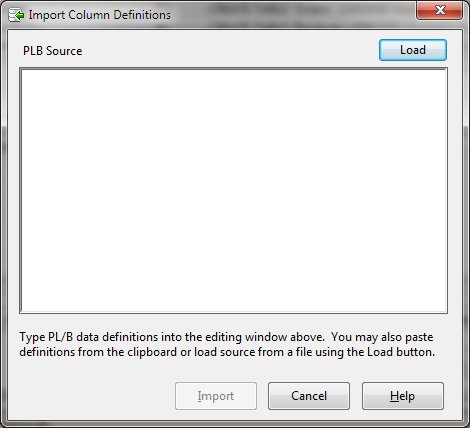
Import Columns from PLB Source
If you have PL/B source statements that define the columns, you may use the Import Columns From PLB Source function. You can type PLB data definition statements (Dims, Forms, Integers, and Inits) into the edit window. Alternatively, you can paste copied source statements into the window. Finally, you can click the "Load" button and select a file containing source statements. Once the statements are in the source window, click "Import" to convert the data definitions to column definitions.
Import Dialog Items
PLB Source
The editing window into which PLB source statements are type, pasted from the clipboard, or loaded from a file.
Load
Clicking this button allows selection of a PLB Source file that will be loaded into the editing window.
Import
Begins the column import process.
Cancel
Aborts the column import process
Help
Displays this help message.
 |