Save as User Control (Format menu)
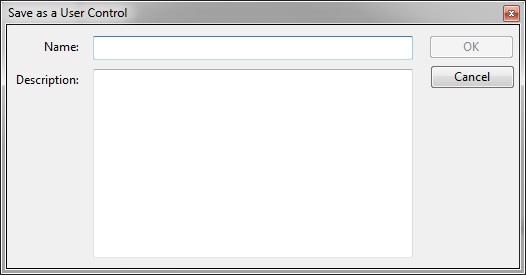
Adds the selected control and any child controls as a user defined object. Once selected, this function displays the following dialog:
where:
Name
Description
Once created, the control is listed on the "User" tab of the toolbox and is drawn using the same methods as standard control.
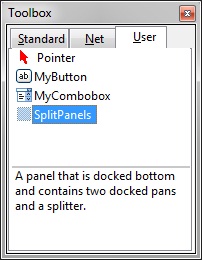
To edit a user control's name or description, right click on the control and chose "Edit".
To remove a user control, right click on the control and chose "Delete" or select the control and press the DEL key.


 |