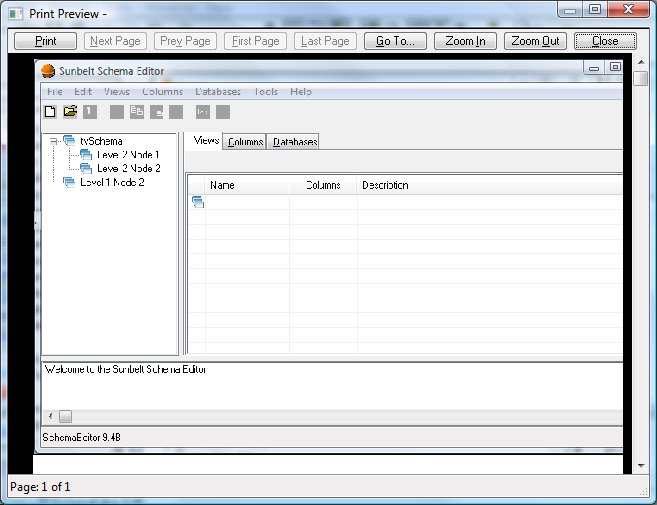
Print (File menu)


Controls how a form is printed. Before using this command, you must install and select a printer. To install a printer, see your Windows documentation. To select a printer, see Print Setup dialog box.


To print one copy of a form quickly using the current print settings, click the Print button on the toolbar.


     printbutton.jpg  Print Button


print.jpg


Print Dialog Items

Printer
Displays the name of the active printer and the printer connection.
Copies
Type or select the number of copies you want to print.
Printer
Select a printer and a printer connection. You may also control default printer settings for the selected printer. See Print Setup dialog box.
Options
Select additional printing options.


See also: Programming Environment


about_designer Print Setup (File menu) Recent Files (File menu)